Remove CapCut Template Watermark with AI - Auto Detect & Erase
Free CapCut watermark remover for templates and videos. Erase CapCut watermark from template exports instantly with AI. Upload your CapCut template video and take off the watermark tag free – perfect for YouTube, TikTok, Instagram Reels, and Shorts. Works on all CapCut exports. No software download required. 100% free online tool.
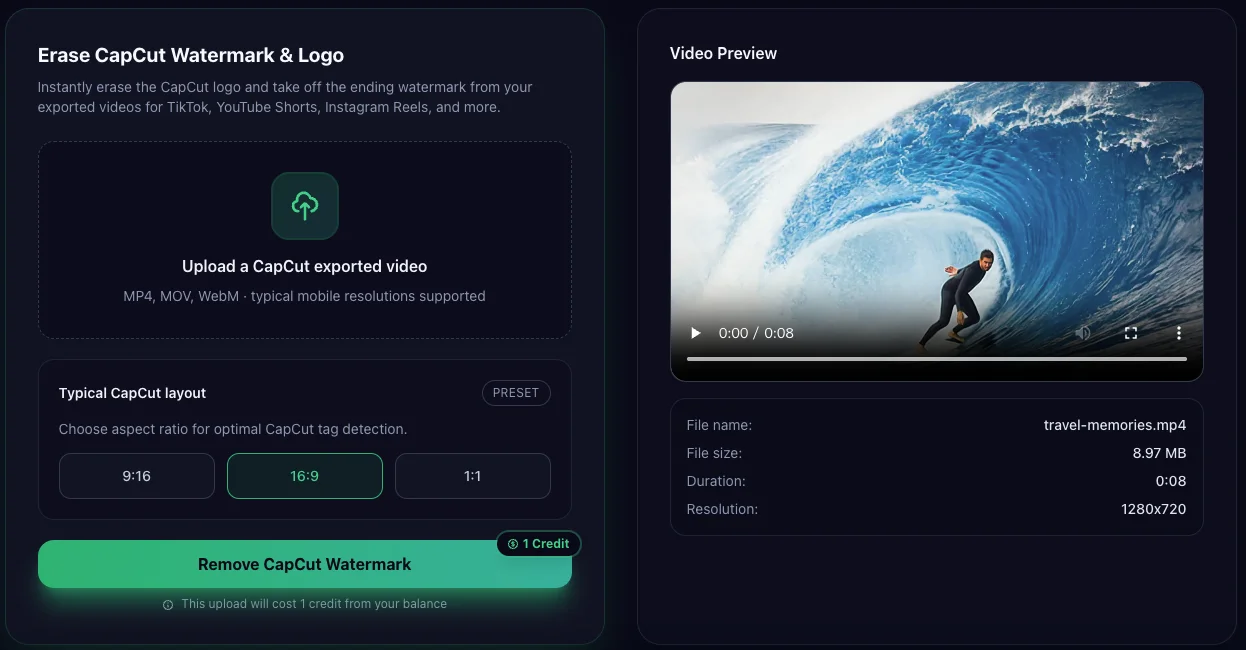
Upload CapCut Video to Remove Watermark
Sign in with Google to get free credits. Instantly erase the CapCut logo and ending watermark from your videos.
💡 Tips:
- • Drag the slider to compare before and after
- • Click to toggle original and processed
- • Press & hold to see the original video
No video uploaded yet
Upload a video to see the preview here
AI is analyzing and removing watermarks...
Uploading video
AI Analyzing frames
Detecting watermarks
Inpainting background
Exporting video
Loading comparison view...
CapCut-aware
Optimized for typical CapCut watermark positions on exports.
Social-ready
Get clean clips ready for cross-posting on multiple platforms.
Creator-friendly
No complex timeline editing – just upload, clean, download.
AI-Powered Features for Perfect Results
Advanced artificial intelligence technology ensures clean, professional watermark removal
Smart AI Detection
The AI automatically locates the CapCut logo and the ending screen, saving you time. No manual selection needed.
No Blur & Original Quality
Unlike basic blur tools, our AI intelligently reconstructs the video background while preserving your original video quality.
Instant Processing
Upload your CapCut video and get watermark-free results in seconds. Fast AI processing right in your browser.
Want to understand how CapCut watermark removal actually works?
Before following the steps below, you may want to understand how AI detects and removes CapCut template watermarks with AI
Read the full explanation hereHow to Delete Watermark from CapCut Template / Video
-
1.Export from CapCut
Open your CapCut project and tap the Export button in the top-right corner. Choose your preferred resolution (1080p recommended) and quality settings. The video will be exported with the CapCut watermark at the end.
- Works with any CapCut project
- Export in your desired resolution

CapCut Export Interface
Screenshot placeholder
-
Video Upload Interface
Screenshot placeholder
2.Upload Your Video File
On this page, click the "Upload Video" button in the tool area above. Select the video file you just exported from CapCut. The upload is secure and processes locally in your browser.
- Supports MP4, MOV, and most video formats
- Sign in with Google for free credits
-
3.AI Automatically Detects & Removes
Our advanced AI technology instantly analyzes your video to locate the CapCut watermark. It then intelligently removes the watermark while preserving the rest of your video quality.
- Smart AI detection of watermark location
- Preserves original video quality

AI Watermark Detection
Screenshot placeholder
-
BEFORE
AFTERWatermark Removed!
4.Download Your Clean Video
Once the AI finishes processing, you'll see a preview of your clean video with the watermark completely removed. Download the watermark-free video and it's ready to upload to TikTok, Instagram Reels, YouTube Shorts, or any platform!
- Ready for all social media platforms
- Same resolution and quality as original
Who is this CapCut watermark remover for?
Short-form creators
TikTok, Reels, Shorts creators who want clean clips for cross-posting.
YouTube editors
Use CapCut for quick edits, then clean the watermark before publishing.
Client projects
Remove the CapCut tag before delivering final videos to brands or agencies.
Drafts & mockups
Clean rough edits used for storyboards, pitches, or internal reviews.
Frequently Asked Questions
Everything you need to know about removing CapCut watermarks