Remove Nano Banana Pro Watermark Online — Free & Automatic Remover
Clean Nano Banana Pro AI watermarks & Nano Banana logos with AI.
No Photoshop • No editing skills needed • Instant clean output.
Upload Nano Banana Pro Image to Remove Watermark Online
Drag & Drop or Click to Upload
Download Clean Image
Your watermark has been successfully removed
🍌 About Nano Banana Pro Watermark:
- • Removes "Nano Banana" watermark from bottom-right
- • Uses advanced reverse alpha blending algorithm
- • Processes locally with 100% accuracy
No image uploaded yet
Upload a Nano Banana Pro image to see the preview here
Loading comparison view...
AI is analyzing and removing watermark...
Uploading image
AI Analyzing image
Detecting watermarks
Inpainting background
Preparing download
Loading comparison view...
Nano Banana Pro-aware
Optimized for typical Nano Banana Pro watermark positions on exports.
Social-ready
Get clean clips ready for cross-posting on multiple platforms.
Creator-friendly
No complex timeline editing – just upload, clean, download.
AI-Powered Features for Perfect Results
Advanced artificial intelligence technology ensures clean, professional watermark removal
Smart AI Detection
The AI automatically locates the Nano Banana Pro logo and the ending screen, saving you time. No manual selection needed.
No Blur & Original Quality
Unlike basic blur tools, our AI intelligently reconstructs the video background while preserving your original video quality.
Instant Processing
Upload your Nano Banana Pro image and get watermark-free results in seconds. Fast AI processing right in your browser.
HD Clean Output
Preserves original image quality with natural edges and no smudging artifacts. Professional results every time.
Secure Cleanup
Local temporary processing ensures your images are not stored. Complete privacy and security guaranteed.
Social Ready
Output optimized for Instagram, X (Twitter), and YouTube Shorts. Perfect for all social media platforms.
What is Nano Banana Pro Watermark & Why Remove It?
Nano Banana Pro AI automatically adds a Nano Banana Pro watermark to generated images to indicate AI-created content. However, in commercial design, brand assets, marketing materials and social media publishing, this watermark can be visually distracting and reduce perceived quality.
CleanVideoAI provides a professional Nano Banana Pro Watermark Remover powered by AI. It intelligently detects watermark patterns and cleans them without damaging image details. Supports JPEG, PNG, WebP — all online, no software or Photoshop required.
How to Remove Watermark from Nano Banana Pro AI Images (3 Steps)
-
1.Upload Your Nano Banana Pro Image
Upload the Nano Banana Pro AI-generated image that contains the watermark — no re-export or conversion required.
- Supports JPEG, PNG, WebP formats
- No quality loss during processing
- Secure file processing and auto-deletion
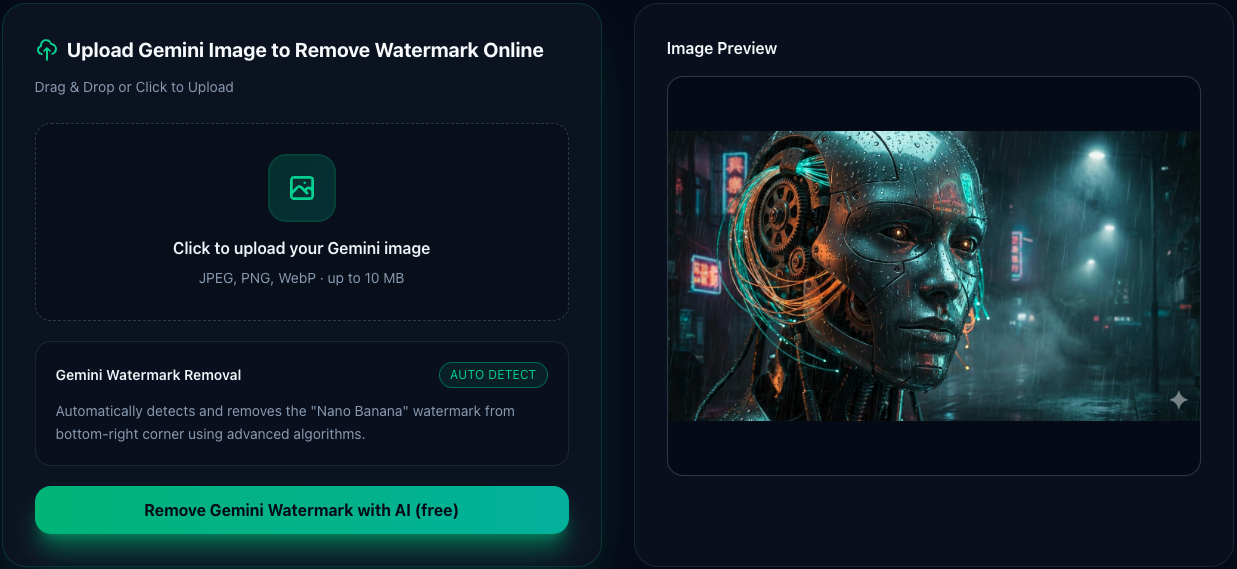
Image Upload Interface
Screenshot placeholder
-
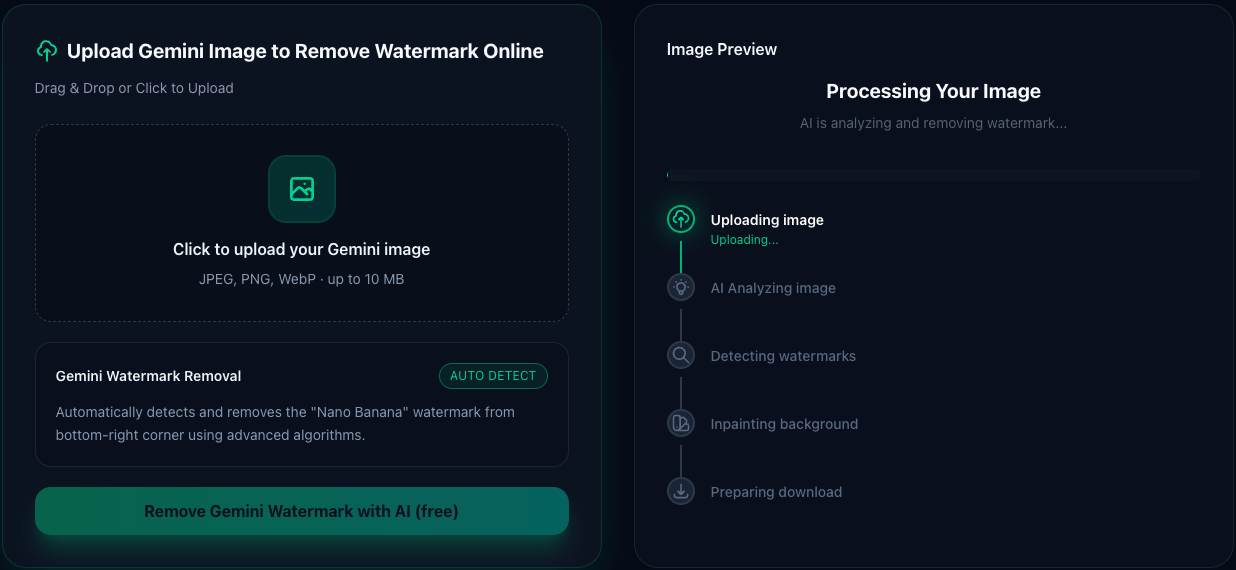
AI Processing Interface
Screenshot placeholder
2.AI Detects & Removes the Watermark
Our advanced reverse alpha blending algorithm automatically detects the watermark position and mathematically removes it — without touching the rest of the image.
- Automatic watermark detection
- Preserves original image quality 100%
- Mathematical precision (not AI guessing)
-
3.Download Clean Image
Download your watermark-free image instantly — no quality loss, all details preserved.
- Instant download after processing
- Original quality preserved
- Files auto-deleted after download for privacy
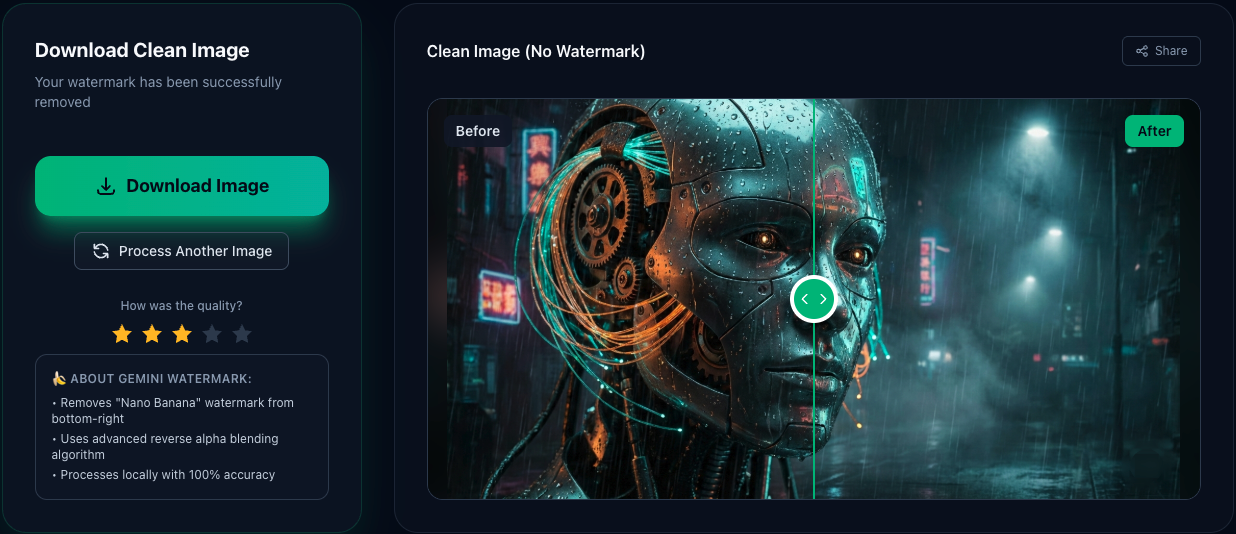
Download Result Interface
Screenshot placeholder
Who is this Nano Banana Pro watermark remover for?
Social media creators
Content creators who use Nano Banana Pro AI to generate images for Instagram, Twitter, Facebook posts without watermarks.
Designers & marketers
Use Nano Banana Pro AI images for presentations, marketing materials, and client deliverables without watermarks.
Business professionals
Remove watermarks from Nano Banana Pro AI images before using them in reports, proposals, or commercial projects.
Educators & students
Clean Nano Banana Pro AI images for educational materials, research papers, and academic presentations.
Frequently Asked Questions
Everything you need to know about removing Nano Banana Pro watermarks